A mobile phone can be used for several years, but the data cable is not necessarily. Take some iPhone users for example, several data lines may be broken in a year. In fact, it is not only the data line of the mobile phone. There are many data lines and charging lines for computers, tablets and other electronic devices in every family. Although the price of these lines is not expensive, it will suddenly break down It's disturbing. Here's how to prevent and fix data lines.
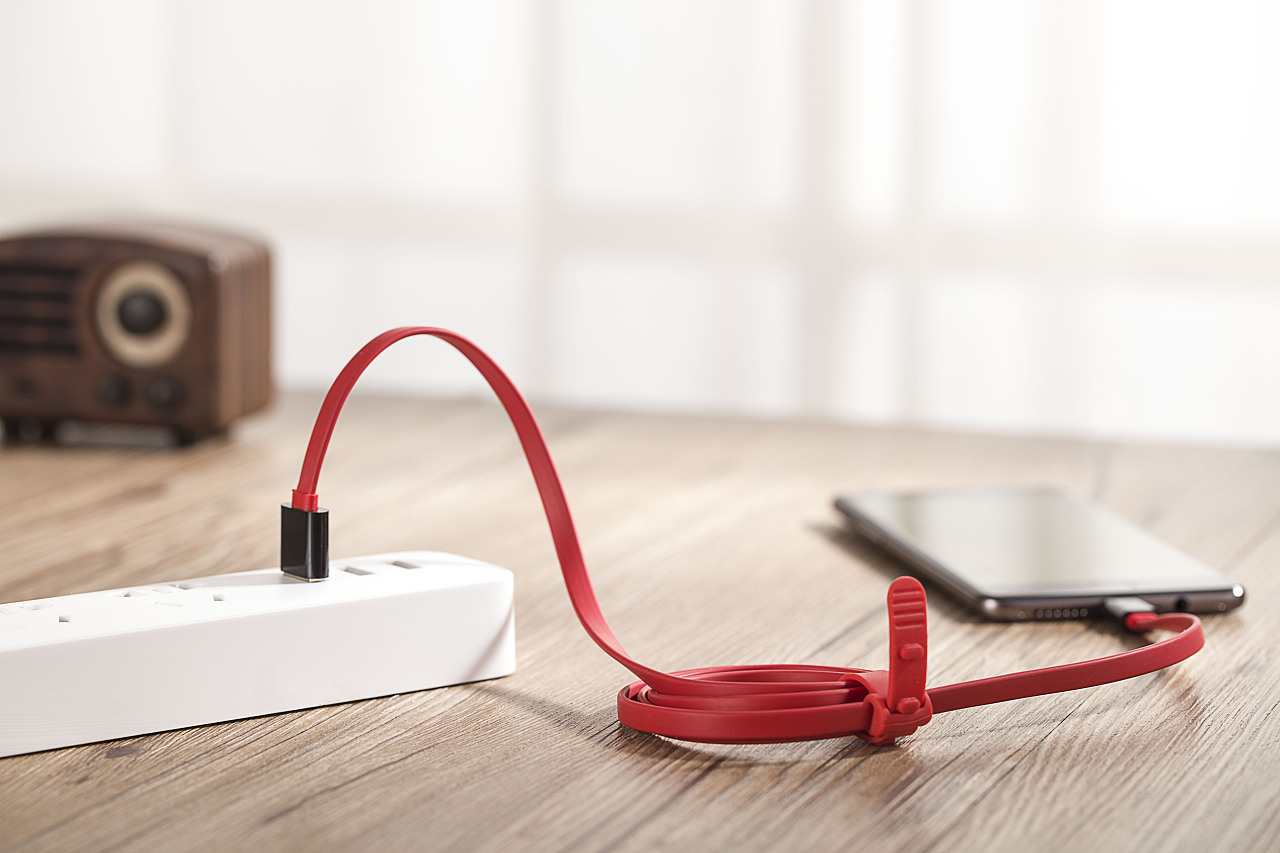
What should I do if the data line of mobile phone is always broken
1. Fully armed
For USB cable that is easy to break, such as micro USB cable, we can use the hose to cover it, as shown in the figure below. There is a layer of protection outside the line. If the hose is broken, it can be replaced again, which can prolong the service life of the cable.
2. Wind the wires together
If there are a lot of data cables and charging cables in your home devices, you can wind them together. Of course, the premise is that the chargers of these devices are in one place.
3. Use some creative accessories
For some thin wires, such as apple lightning data cable and apple watch charging cable, we can use some creative accessories. For example, the following netizen uses LEGO toys to put the data cable on the toy's hand, which not only looks beautiful, but also can avoid damage due to distortion.
4. Ballpoint pen spring
This is the most common method. Many iPhone users will use this method to protect the data cable of the device. As long as the refill of the ballpoint pen is taken out and put in the connector position of the data line, the damage of the connector due to pulling can be avoided to some extent.
5. Use heat shrinkable tube
Like the ball point pen spring above, the heat shrinkable tube can also avoid damage to the apple data line connector due to frequent pulling. In addition, if the data line connector position has bulged, the heat shrinkable tube can also prevent the data line from cracking due to bulging. The method is simple, that is, use the heat shrinkable tube to sleeve at the joint position, and then heat the heat shrinkable tube Automatic shrinkage, which in turn encapsulates vulnerable joint locations.
Tips for cleaning data lines
Tip 1: hot water
Heat some hot water, not boiling water. Soak a white cotton towel in hot water and wring it dry to keep the towel moist. Now pick up your data cable and headphone cable and wipe it. Be careful not to use too much force. Choose the number of wipes according to the degree of yellowing and dirtiness. You will find that they are completely new.
Skill 2: toothpaste
Squeeze the toothpaste evenly on the paper towel, and then evenly press it to wipe it tightly along the charging cable and earphone cable. The charging cable and earphone cable will be completely new.
Technique 3: alcohol
Wet the paper towel with alcohol, and then evenly apply force, clamp and wipe along the charging cable and earphone cable, and the charging cable and earphone cable will be completely new. Or put the part of the data line that has no interface into alcohol and soak it for a few minutes or so and then take it out and dry it.
Tip 4: cotton pad
First wet the cotton pad, repeatedly wipe the charging cable and earphone cable several times. The cleaning effect is good and can be used frequently. As long as the earplug is not too dirty, most cases can be dealt with.