Keyboard water is almost every student will encounter the problem, so when keyboard water or drink, how to solve it? Here we will introduce how to deal with the keyboard water.
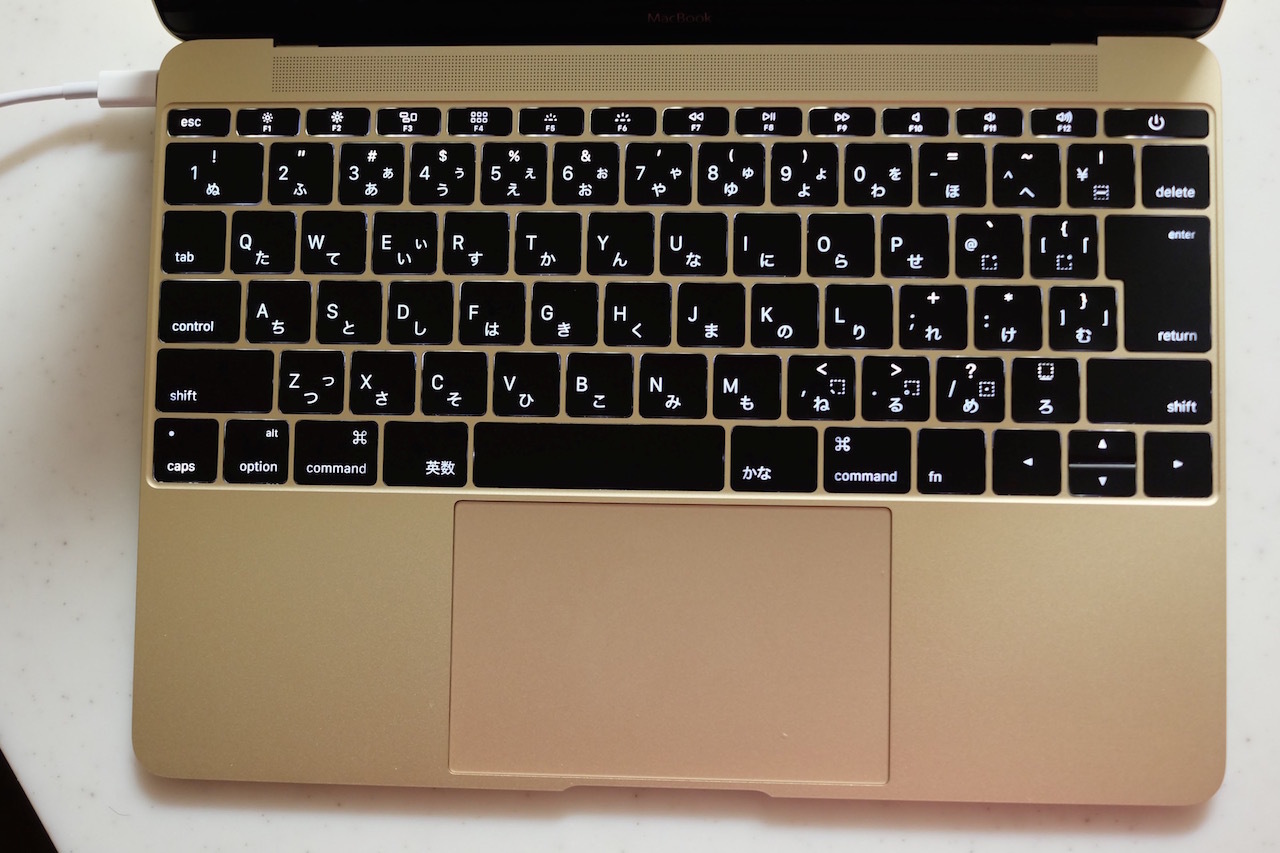
1. Check the keyboard
First, remove the screw and disassemble it up and down. The soft glue under the key cap of the keyboard is the key to the feeling of knocking. The core of the keyboard: matrix and control panel. Finally, we found the cause: the matrix circuit was severely corroded. Found traces of coke, determine the culprit is coke corrosion.
2. Solution process
The copper foil is carefully attached to the original circuit. Cut the copper foil into strips, cover and paste on the corroded circuit. Because the matrix circuit is very close to each other, if you are not careful, it is easy to cause multiple short circuits, so that the keyboard does not work normally. Therefore, we should lay a bottom with adhesive tape on the plastic circuit, and then stick the copper foil. After walking a strip of copper foil, lay a layer of adhesive tape. Different road sections and different layers will not be too close to cause short circuit. After covering and pasting, test again with the universal meter, and the normal path will announce the resurrection is completed. Re install the keyboard, and the familiar tapping feel comes back to you again.
How to deal with the water in the notebook keyboard
Notebook keyboard is not careful water, it is easy to cause the failure of the whole computer. However, as long as the rescue is timely, there is still a chance to remedy it. Specific how to do, the following for you to introduce.
1. Immediately cut off the power and forcibly shut down the laptop
When water or juice enters the keyboard gap, it will quickly penetrate into the core area below the keyboard. If the notebook computer is still powered on, it will not only cause keyboard key failure, but also burn off CPU and motherboard. Therefore, once the keyboard is flooded, please immediately cut off the power supply and forcibly shut down within 30 seconds to prevent the possibility of short circuit.
2. Turn the notebook upside down on the table for 5 minutes
The goal is to allow the water that enters the laptop to flow back a little bit, no longer penetrating into the core of the machine, and then continue to dry the keyboard.
3. Wipe the keyboard surface carefully with a towel with strong water absorption
Don't panic, calm down, find a strong absorbent towel or soft cloth, gently wipe the water stains on the water keyboard, or prepare a bag of cotton swabs, wipe in the tiny gap, to ensure that there is no residual liquid on the surface.
4. Give your laptop a dry, airy space
Most of the hands-on ability is not strong, some computers are still in the warranty period, and can't unscrewing the screws to dismantle the machine without authorization. Therefore, we only need to find a dry and ventilated corner, put the water in the notebook computer there normally, depending on the amount of water, keep at least 12 hours of air drying time, the drying time is greatly affected by the season and weather, please do not be impatient Heart wait.
5. Solutions for serious water inflow
Laptop can be used normally. If some keyboard keys fail, you can buy external USB keyboard to replace the original keyboard. If the whole machine has problems, it is recommended to send it for repair immediately.